
Can’t select the Photo Album Camera Roll from Instagram
Posted in daily

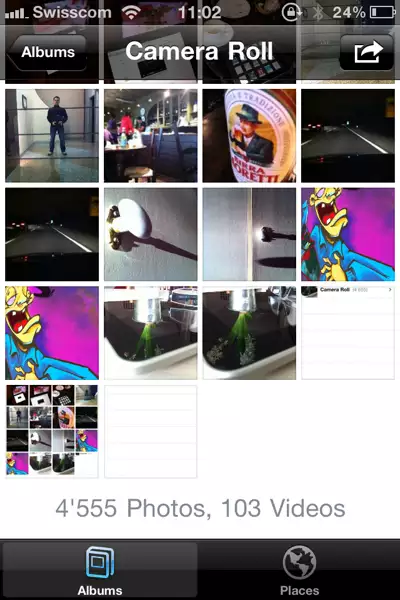
I'm experiencing a minor, but annoying bug with my Camera Roll album on my iPhone. Sometimes the Camera Roll album is out of reach, stuck up at the top of the screen, under the window title (image on the right below). You can pull it down, but can't select it as it pops back up.
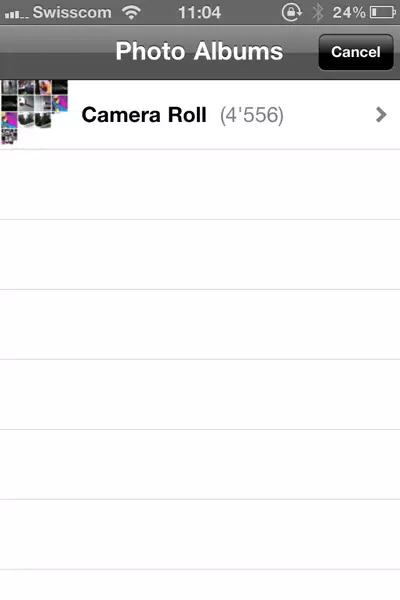

I'm not quite sure when I started to run into this issue, but it occurs regulary since I've upgraded to iOS 4.3 on my iPhone 4. Instagram (one of my favourite apps) seems to trigger this issue when you select an image from your photo library.
As anybody else experienced this?
A workaround is to quit the Photos app from the active apps bar and switching back to Instagram. Nevertheless, once triggered, this issue can occur from within the Photos app too.
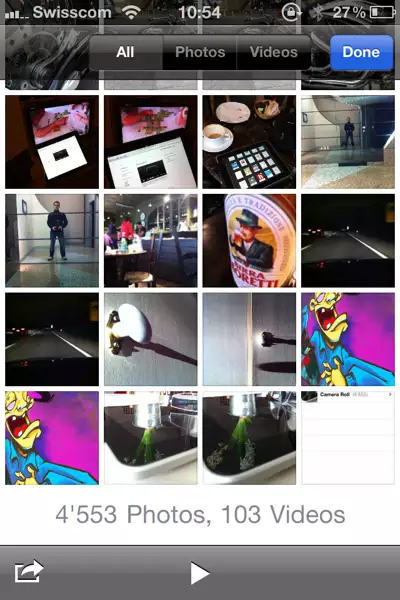
Otherwise, I just discovered that the Photo Album when accessed from the Camera app (left image below) displays sorting tabs to select photos or videos only. This would be handy from within the Photos app, but there's probably a screen real estate problem.
Thought I'd share these two snippets of info with you.