
Disable the floating “Write with Siri” icon
Posted in daily
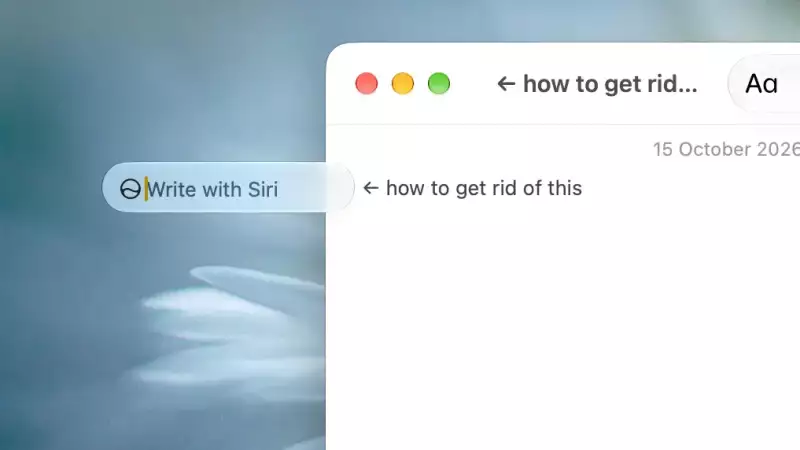
In macOS 27, the “Write with Siri” icon appears next to most text input — it kills me. I found no setting in System Settings to disable this feature, short of disabling Siri AI itself.
Run the following 2 commands, and restart.
sudo mkdir -p /Library/Preferences/FeatureFlags/Domain
sudo defaults write /Library/Preferences/FeatureFlags/Domain/WritingTools LightweightUI_macOS -dict Enabled -bool false
Use the following if you need to restore the default behaviour:
sudo defaults delete /Library/Preferences/FeatureFlags/Domain/WritingTools LightweightUI_macOS
#bliss
There's a Screen Time alternative, but I didn't try it.