
Trusting a Certificate with Keychain Access
Posted in daily

This is by no means mission critical, but I have been plagued with a keychain certificate glitch ever since I migrated to my Mac Pro in August. Each time I opened Mail.app it warned me that the certificate for one of my mail hosts was "not in the root certificate could not be verified" and asked me if I wanted to continue.
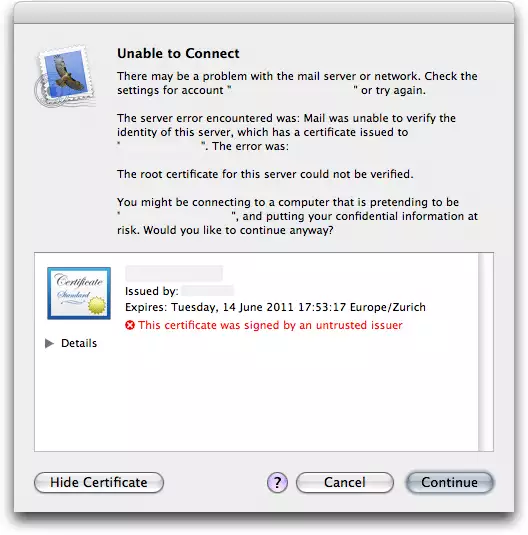
I changed the trusting settings of the certificate, but to no avail, the glitch remained. Checking the certificate is mentionned "This certificate is not in the trusted root database", but how do you add a certificate to the root database?
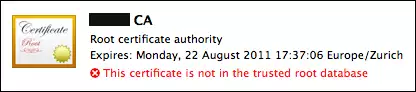
Well, it turns out it's all a matter of importing it properly:
- Open Keychain access, and select File > Import (or double click the certificate).
- Select the X.509Anchors keychain and import the certificate (usually a file file a .cer extension). Don't import it into your login keychain, or it won't be added to the root database.
- The certificate will still be marked "This certificate is not in the trusted root database".
- Quit and relaunch Keychain Access for it to display "This certificate is valid".
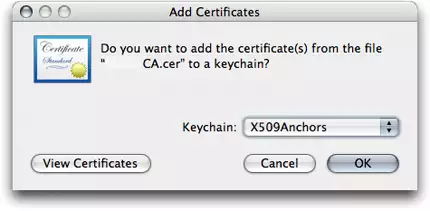

No more warnings. Bliss.