
Mole 鼴 : a hidden favourite Mac app
Posted in daily
I fell on Mole in while catching up on my RSS feeds over breakfast, and it quickly earned a place in my menu bar. (I'm picky about what apps can claim a spot in my menubar, but that's a story for another post).
Coincidentally, that same morning, a friend of my son asked me for a recommendation for a macOS cleanup utility. Mole turned out to be the perfect test case. It quickly identified applications that could be removed, together with their leftover files, and grouped caches and other reclaimable data by how safe they were to delete.

Mole covers a broad range of system maintenance tasks: cleanup, software management, optimisation, analysis and system monitoring.
Five tools, one native Mac app
Clean, Software, Optimize, Analyze, and Status, plus a menu bar HUD, privacy alerts, a battery charge limit, fan control, Keep Screen On, and Clean Screen, all in one app.
What won me over was its menu bar HUD, which provides an at-a-glance overview of what’s happening on your Mac, alongside uptime, macOS version and other useful system information. The entire app feels carefully designed, with thoughtful layouts, subtle interactions and a single scale typography.
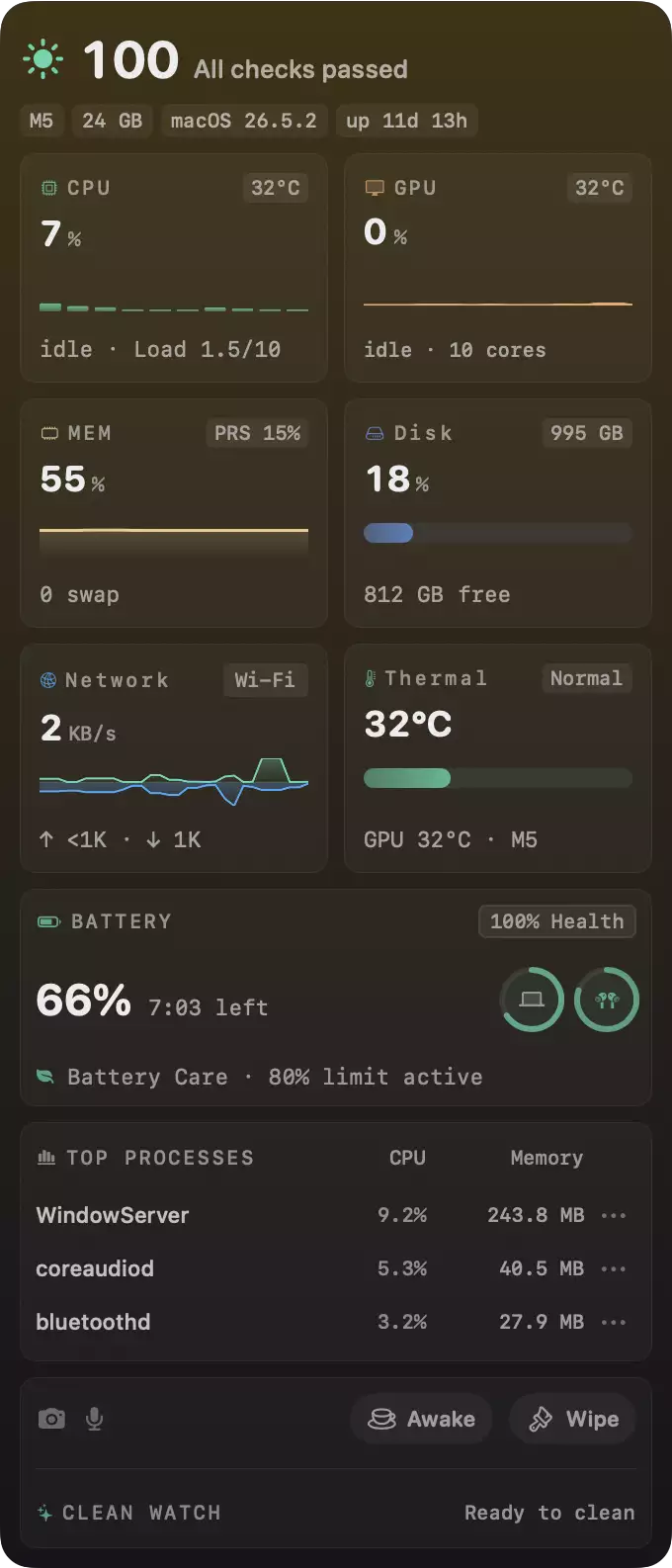
Quiet sounds like a mood, but for a tool it is a set of hard rules. Mole never flashes. A panel is either fully rendered or hidden, so there is no half-drawn card, no spinner sitting where a result will land, no white flash when an operation starts or ends. A scan finishes before the screen it produces appears, which means you never watch a surface assemble itself piece by piece. Waiting looks like one calm animation, not a loading bar.
Check mole.fit for screenshots and learn about the design process and the story of Mole.
Constant updates
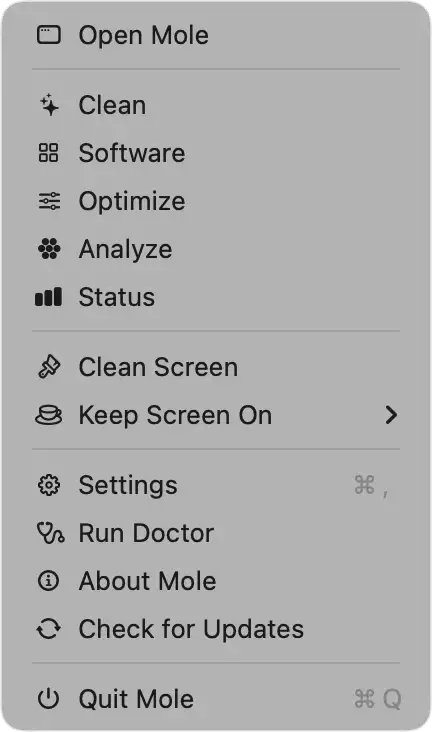
I've had trouble leeping up with Mole's frequent updates since I installed it. One of its latest is you can now right-click its menu bar icon for quick access to the most common tools.
I don’t use the optimisation or analysis tools very often, but “Keep Screen On” and “Clean Screen” have become handy shortcuts. A “Clean Keyboard” mode would be a welcome addition during the current heatwave, but until then, I'll still rely on CleanMyKeyboard–nudge-nudge-say no more.
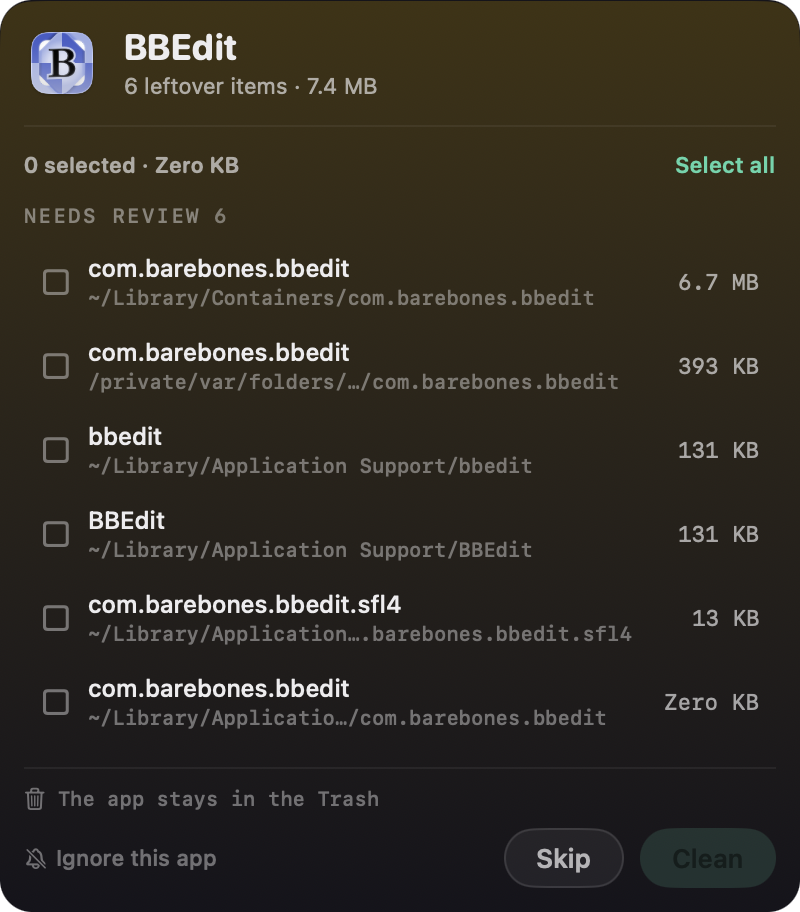
The latest version offers to remove leftover files automatically when you uninstall an application. A clever feature, but make sure you understand what it will delete as it can pop-up when updating an app.
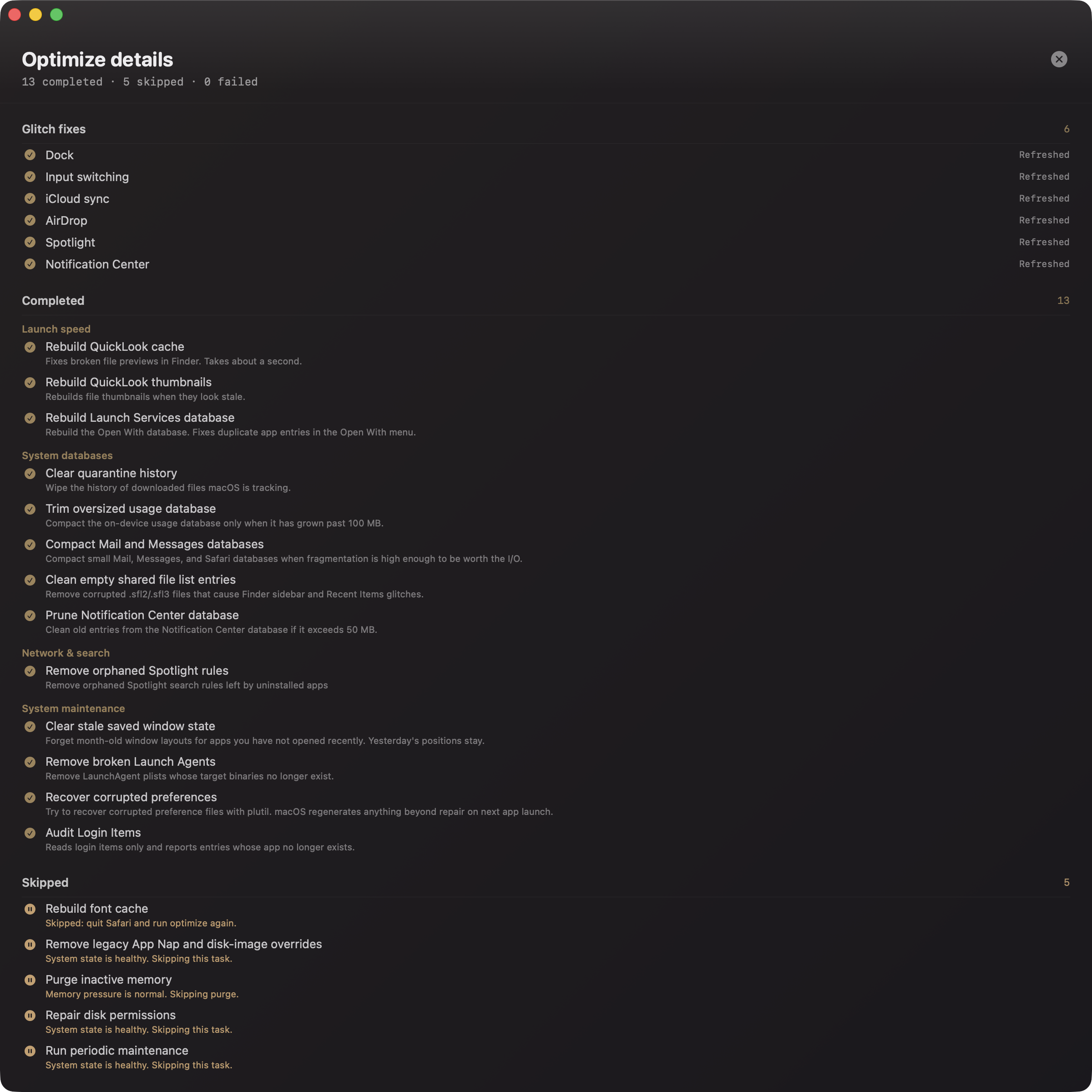
Mole has quietly become one of those utilities I no longer think about because it’s simply always there. It’s beautifully designed, sensibly priced, and genuinely useful. Check out the Optimise results screen.
You can try every paid tool twice for free, and the app is a one-time purchase with lifetime updates for USD 19 (for 2 activations).