
How I fixed HomePod mini ghost touches
Posted in daily
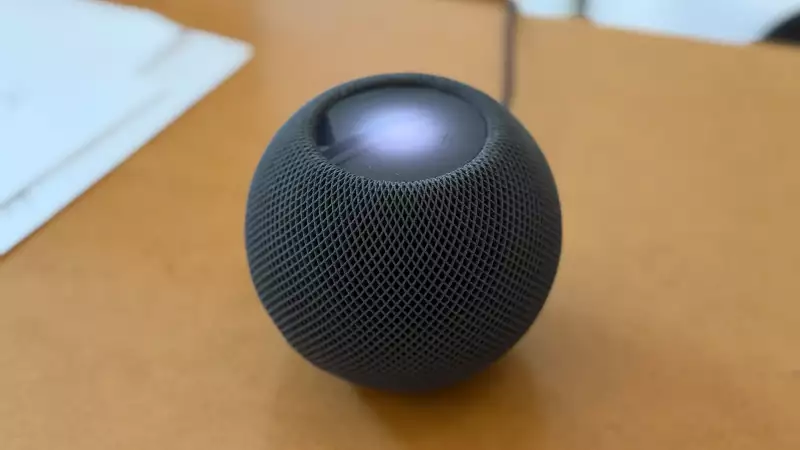
This last quarter saw the beginning of the slow demise of our HomePods.
We have a bunch of HomePod minis around the house, and a couple of HomePod 2nd generation in the living room.
The first to go haywire was the bathroom HomePod mini. It started by randomly resuming the last played track, at the same volume. As if its capacitive touch surface had been tapped.
The ghost touch symptom
Like for others, it quickly got worse.
It started playing random tracks at random hours, including in the middle of the night, at full volume (apologies to my family and neighbours). Again, as if the volume-up control were being held down. A symptom widely reported.
Since then, both of our second-generation HomePods have developed the same problem, but I found replacement touch panels on Alibaba - more on that later.
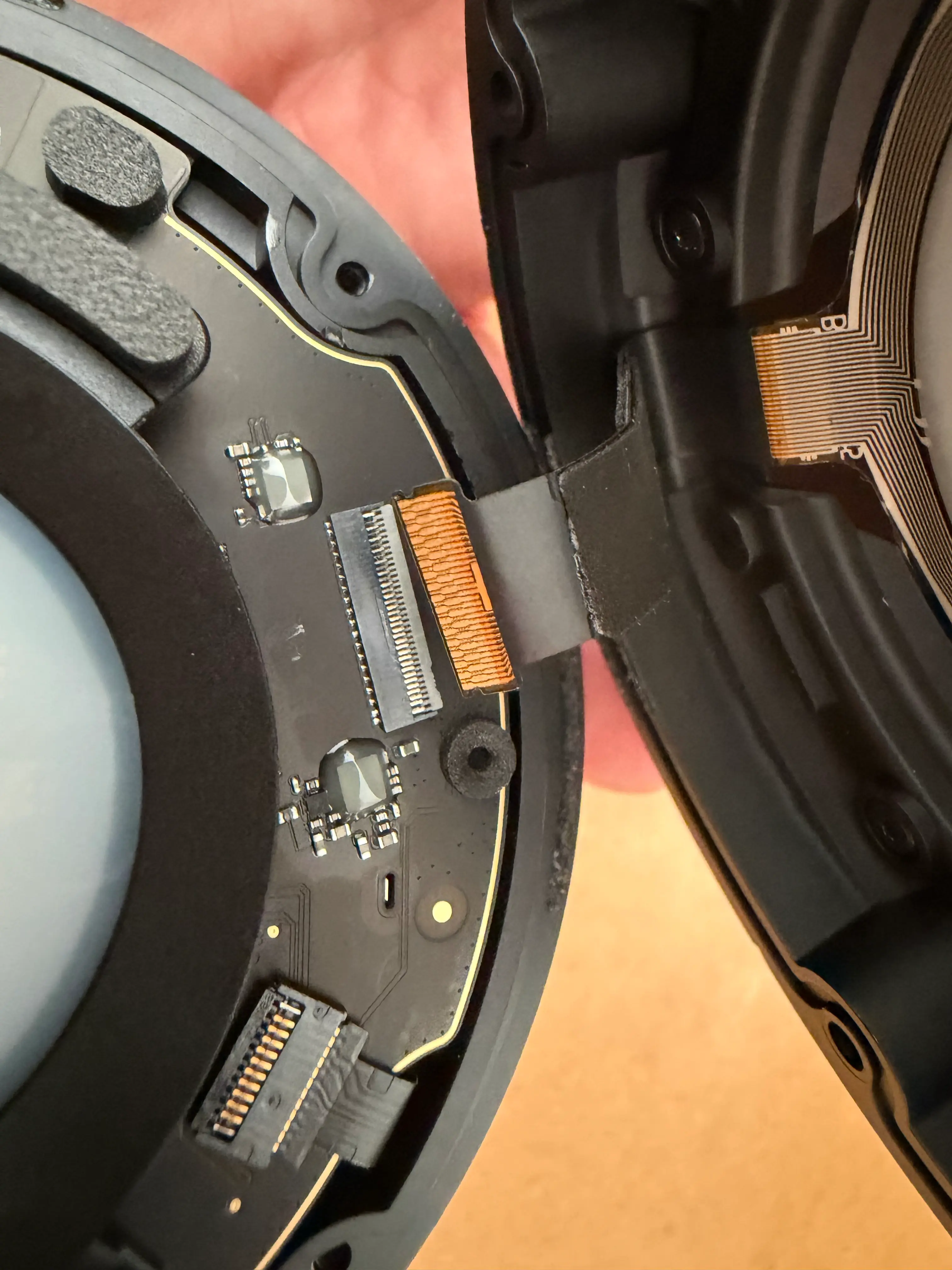
At the time of writing, I wasn't able to find a replacement touch panel for the HomePod mini, so I decided to disconnect it, hoping it would continue to function normally. The only thing that no longer would work is the touch input (which we never use).
After disconnecting the touch-panel ribbon cable and putting the HomePod mini back together, the ghost touches stopped completely. It still works normally through Siri, AirPlay and the Home app; the only thing I’ve lost is the touch interface on top.
Caveat
Losing the touch input can be an issue when resetting the HomePod manually which implies holding your finger pressed on the top of the HomePod. Try restoring it with a Mac instead.
Teardown tips
You'll find many disassembly guides and videos, choose the one that suits you best.
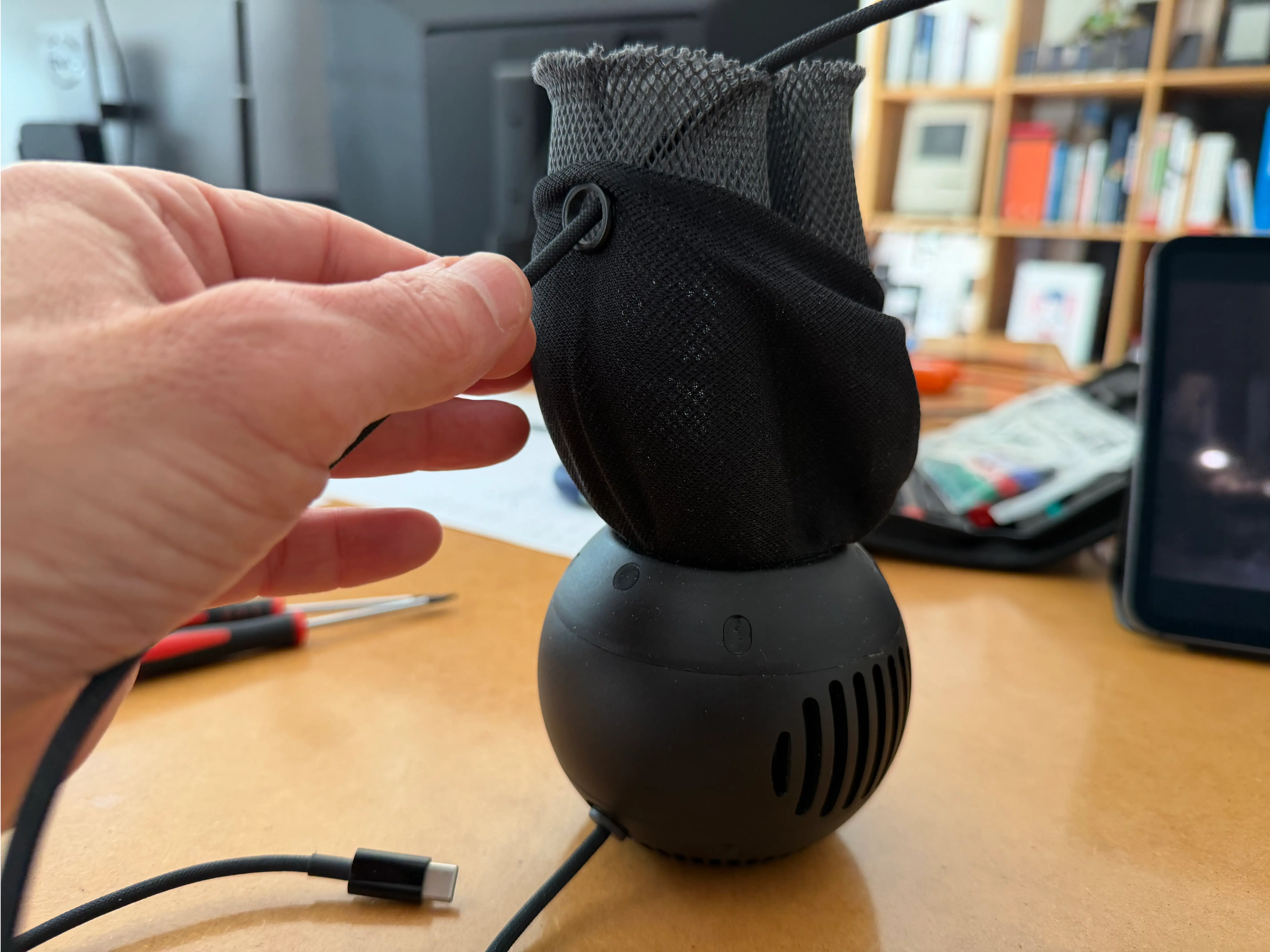
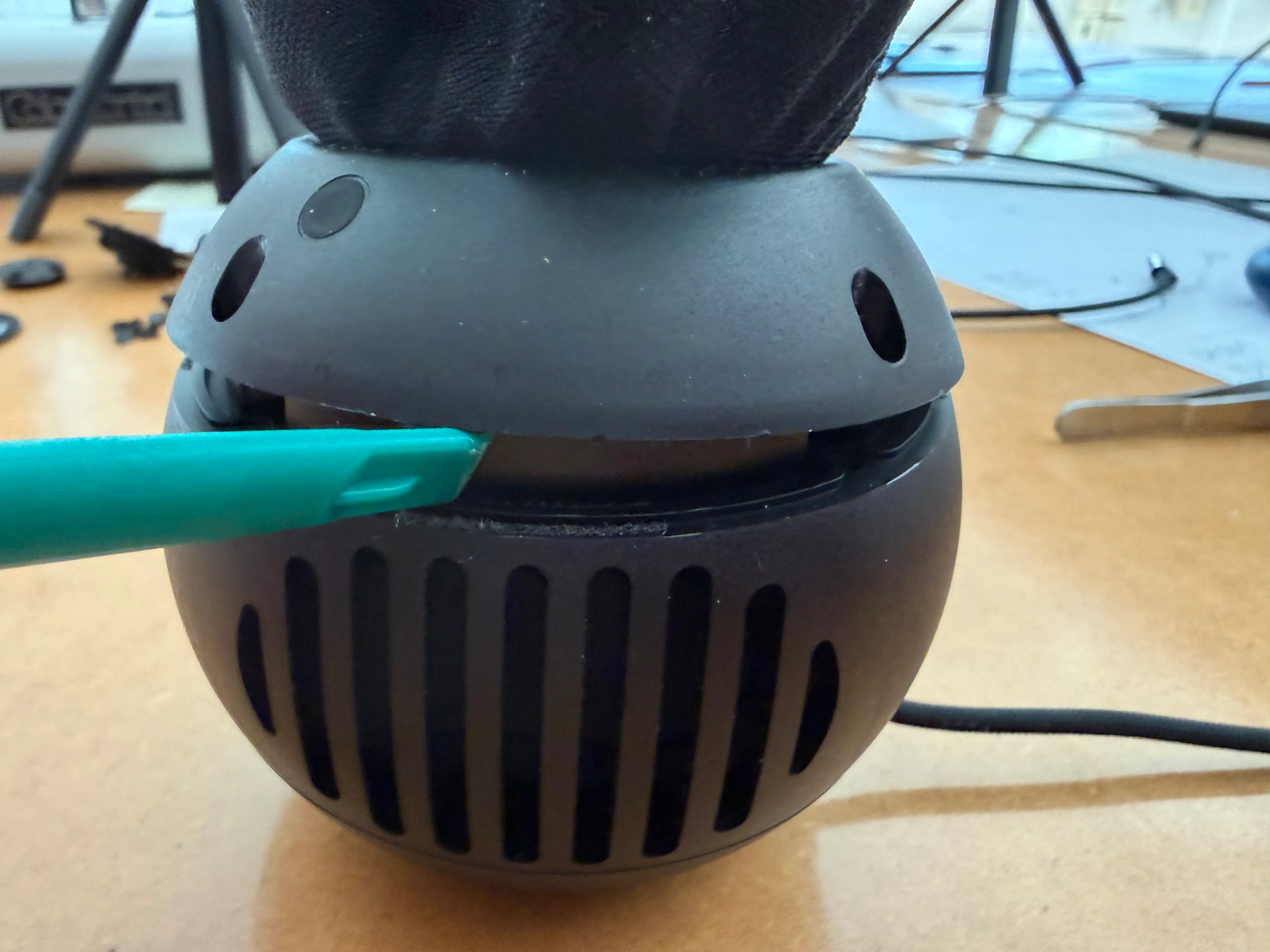
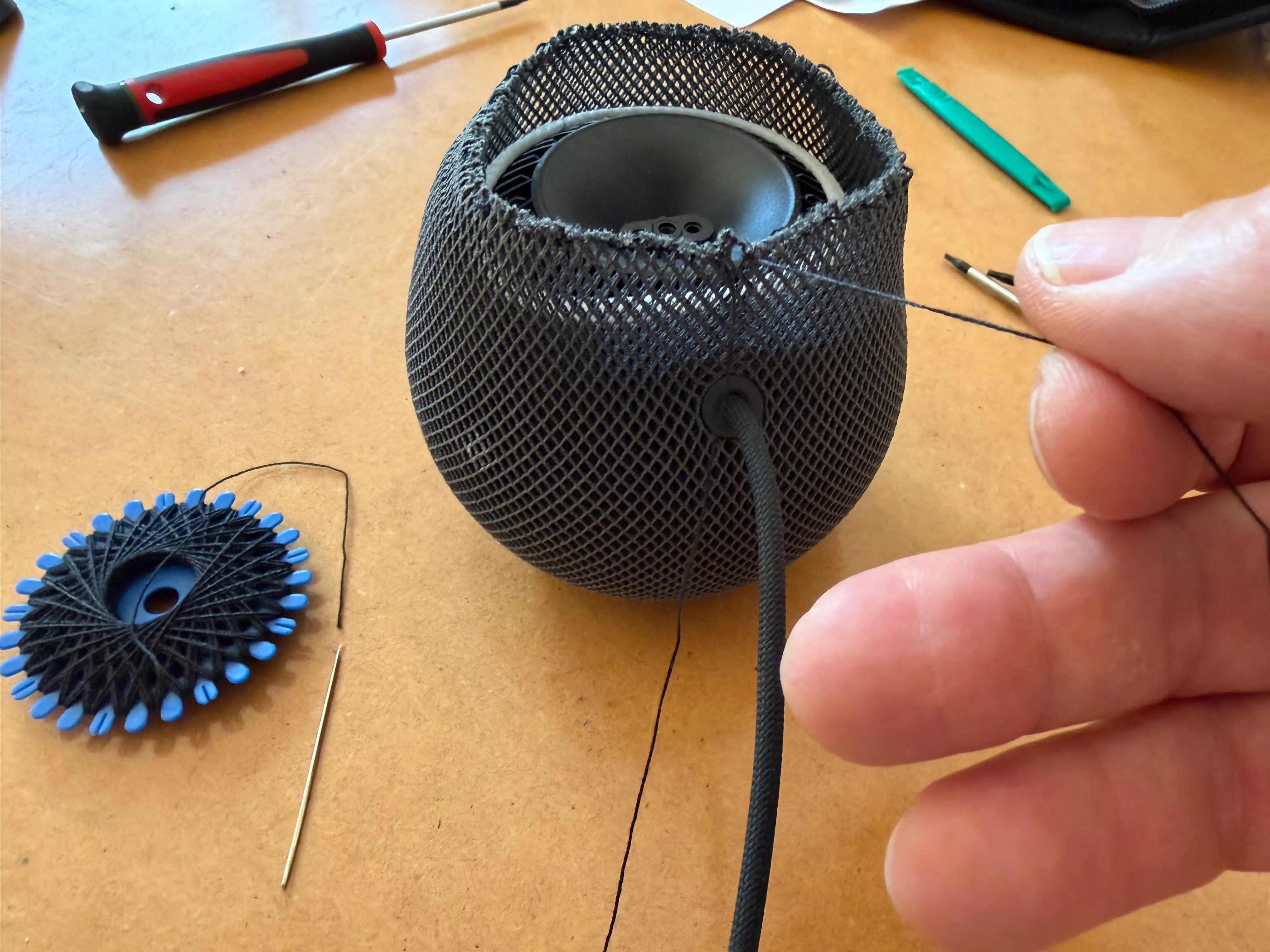
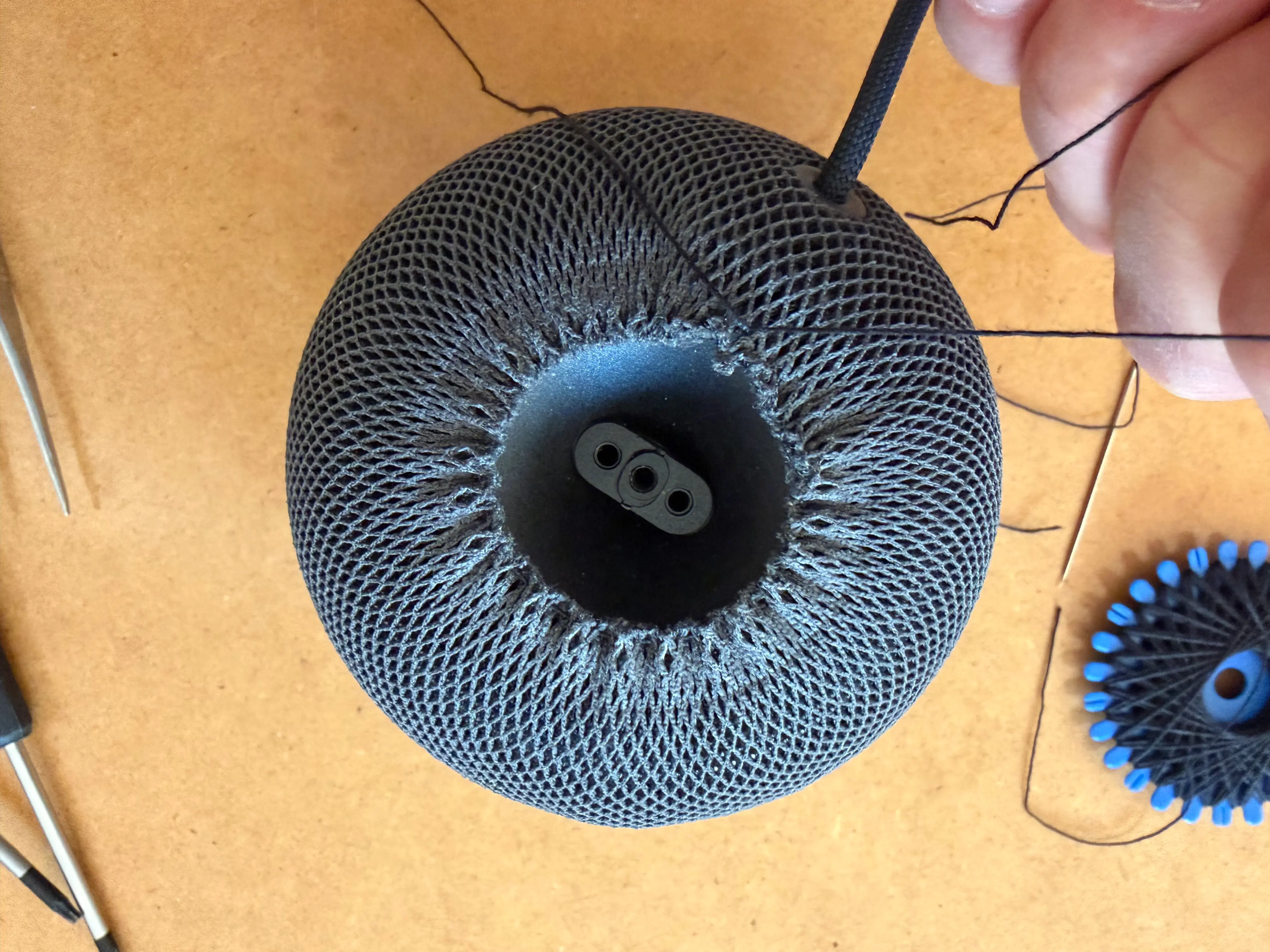
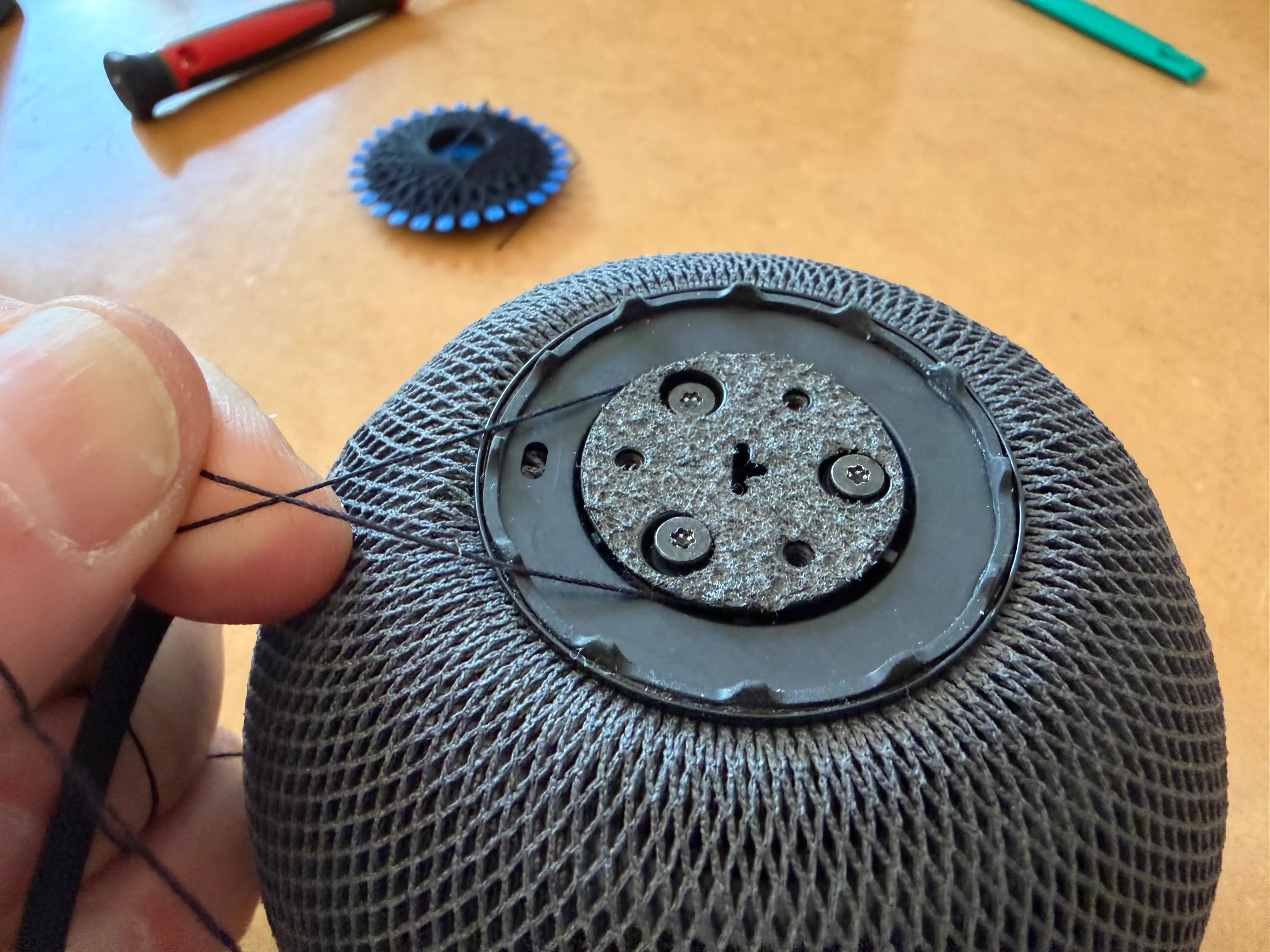
- The overall operation isn't difficult, but there are a couple of ungluing steps requiring soft prying tools, and you'll need to thread a draw string to properly close the mesh at the end.
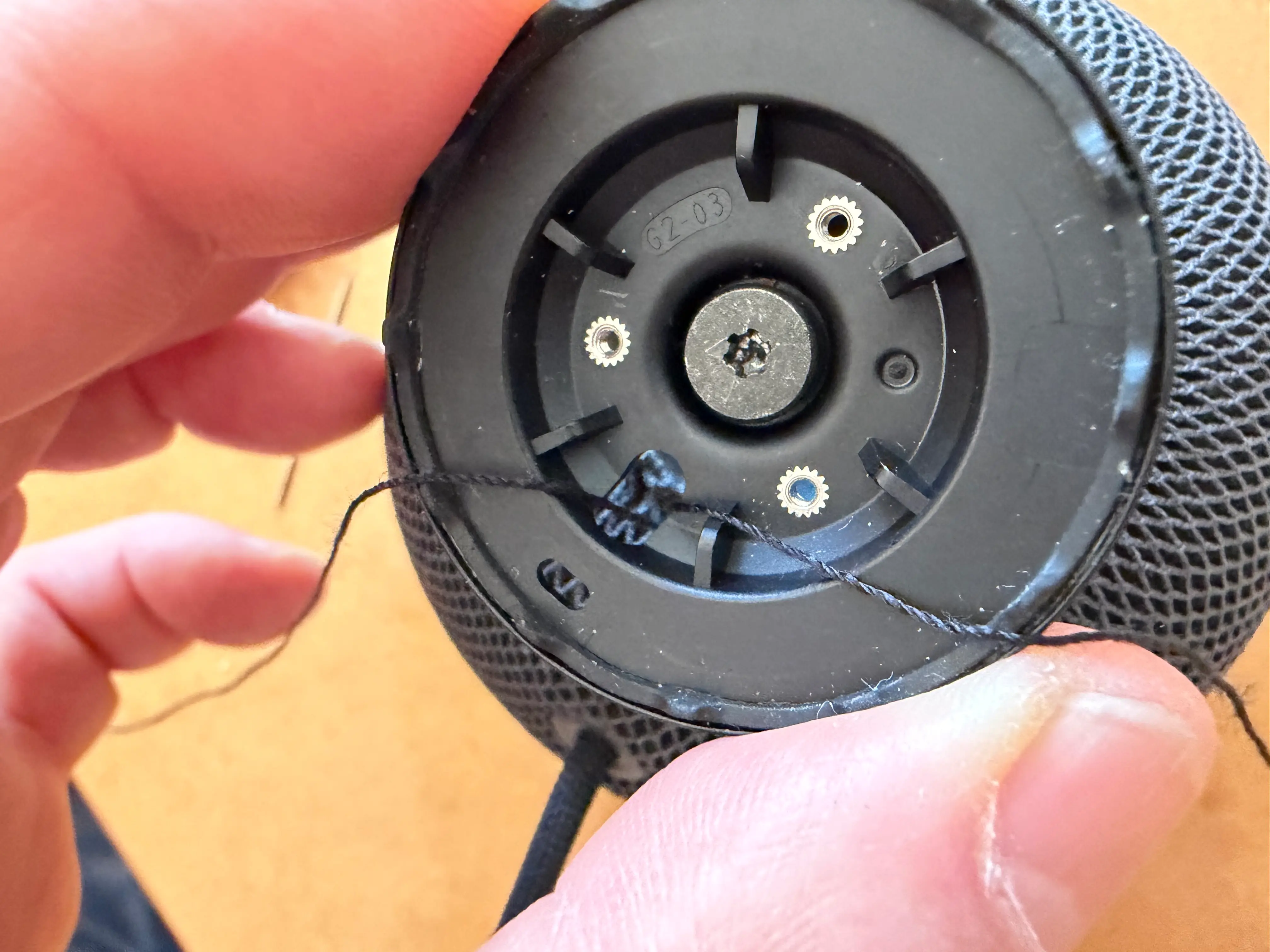
- You'll need a T6 and T8 screwdriver.
- Don't try to pull the power plug out, it's not designed to be unplugged. Work your way around it.
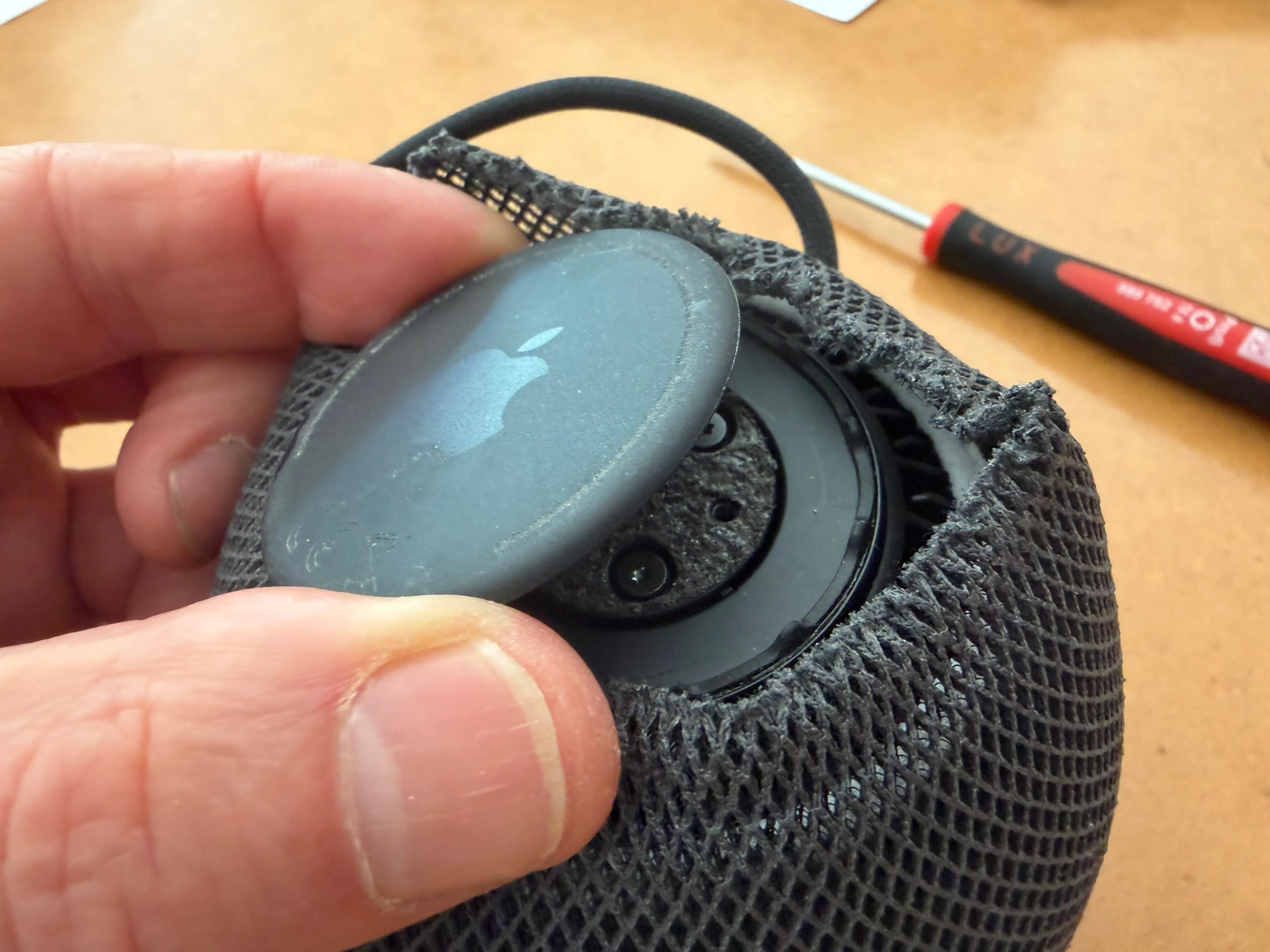
- Gently pry the core open once you've removed the screws.
- The touch panel is attached to the base with a ribbon cable. That's the one to disconnect until a replacement becomes available.
- The final tricky bit is threading a draw string around the top of the mesh, and pulling it close. Don't thread it too close to the top, as the pressure to close it might break the mesh. Choose a row or two lower.
- Make sure to clean all the glue residue before applying new glue, you'll have a cleaner result.
Back to normal
After disconnecting the touch-panel ribbon cable and putting everything back together, the erratic behaviour stopped completely.
The HomePod mini still works normally with Siri, AirPlay and the Home app. The only thing I’ve lost is the touch interface on top, which in our case is no great loss.
So far, this has turned an otherwise unusable HomePod mini back into a perfectly functional one. If replacement touch panels eventually become available, reconnecting or replacing the panel should be straightforward enough.
I’ll update this post if the fix proves temporary — or if I manage to find a replacement touch panel for the mini.
PS: a side-effect of all this is a loss of trust in the HomePod technology. I unplugged all our HomePods before we left for Paros last week…