
YouTube error 153
Posted in daily
Tags :While I was editing my previous post, I encountered a YouTube embed error for the first time: Error 153 - Video player configuration error.
I didn’t immediately see it as I don’t embed the YouTube iframe. It gets downloaded on a click event(1). I first checked my code, and tried the native embed code from YouTube, but the error remained.
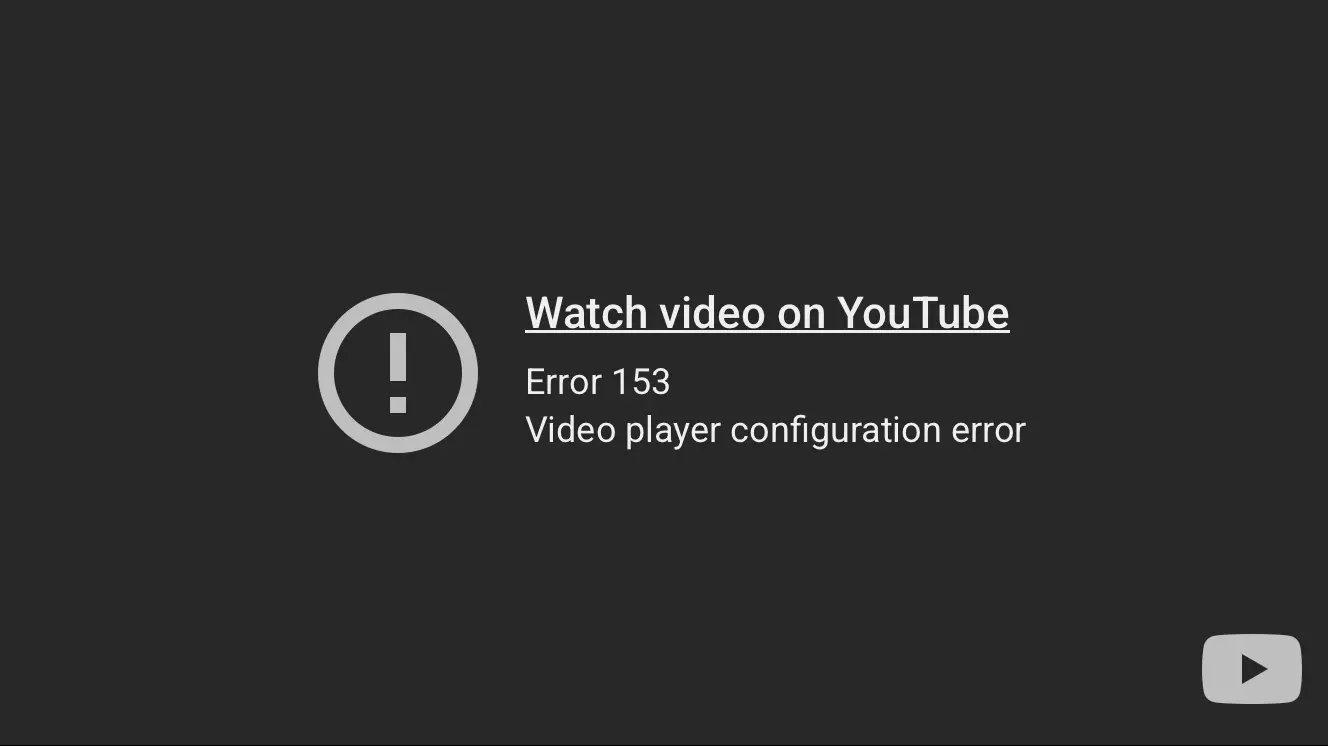
YouTube embed Error 153
After a quick search, I found the answer on Simon Wilinson’s blog. I’ll let you read is post, but long story short, it boiled down to an incorrect header being sent by my server.
Referrer-Policy: same-origin
Simon goes on to explain why this broke referring to YouTube’s embedded player terms documentation:
API Clients that use the YouTube embedded player (including the YouTube IFrame Player API) must provide identification through the HTTP Referer request header. In some environments, the browser will automatically set HTTP Referer, and API Clients need only ensure they are not setting the Referrer-Policy in a way that suppresses the Referer value. YouTube recommends using strict-origin-when-cross-origin Referrer-Policy, which is already the default in many browsers.
Simon goes on to explain “[…] with this policy, only the origin is sent in the Referer header of cross-origin requests. This prevents leaks of private data that may be accessible from other parts of the full URL such as the path and query string”.
Anyway, check his post for more information and relevant links.
How to set a new Referrer-Policy response header
If you are running on Apache, you can set it at the Apache configuration level, or via your site’s .htaccess. If you’re using Cloudflare, you can add a transform rule (preferred).
Apache configuation
In your site’s vhost (or a global config file), inside the relevant <VirtualHost *:443> (and optionally *:80 too):
Header always set Referrer-Policy "strict-origin-when-cross-origin"
Apache site level
If overrides are allowed, add the following block to your site’s .htaccess:
<IfModule mod_headers.c>
  Header always set Referrer-Policy "strict-origin-when-cross-origin"
</IfModule>
Cloudflare Rules
I have been transferring several of my site settings and rules to Cloudflare these last months, and Cloudflare Rules provides an easy way to set an HTTP response.
Once logged in to your account, select the Rules items in the left sidebar, and create a new Transform rule:
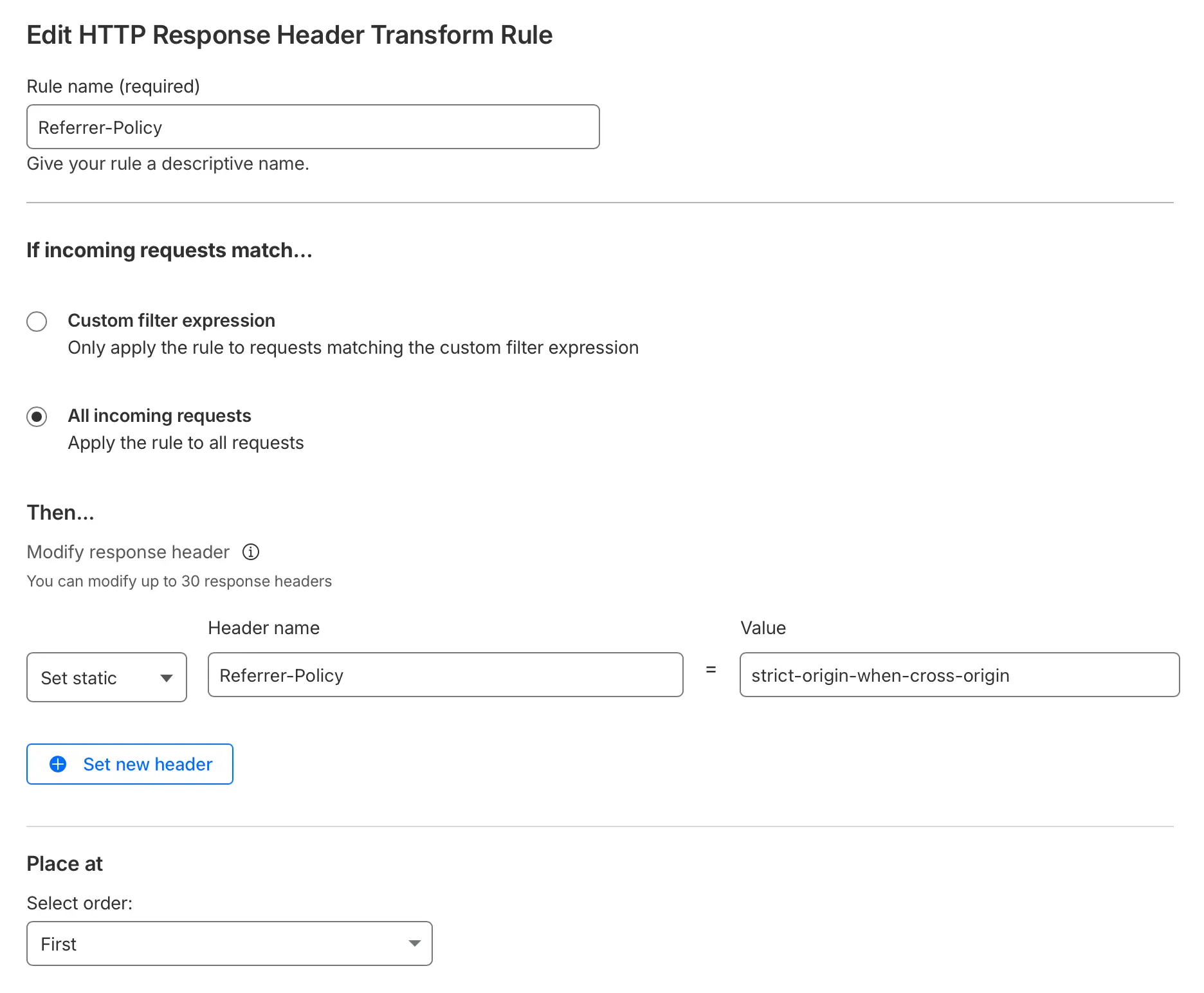
Create a new HTTP reponse header rule
Make sure to select “Set static” and not “Add static” as you’ll end up with two response headers. Set Referrer-Policy as header name and strict-origin-when-cross-origin as value, and click “Save”.
Testing your Referrer-Policy
An easy way to check your Referrer-Policy is via the command line (or the developer tools of your browser):
curl -I https://your.domain.com | grep -i referrer-policy
Example:
% curl -sI https://davidroessli.com | grep -i referrer-policy
referrer-policy: strict-origin-when-cross-origin
Cloudflare Transform Rules > Response headers is simpler unless you need conditional logic. Keep in mind that if Apache also sets the header, Cloudflare’s rule will override it. It works for cached and uncached responses.
Thanks Simon!
(1) Labnol’s Lite YouTube Embeds - A Better Method for Embedding YouTube Videos on your Website